Features
Everything your clipboard
should already do.
Smart detection, powerful organization, seamless sync, and privacy-first design — grouped by category.
See it in action
The 60-second tour.
Search, paste, privacy, and sync — everything Recopy does, in about a minute.
Smart Detection
Knows what you copied before you do.
Recopy automatically identifies content types the moment you copy, so everything is categorized and ready to find.
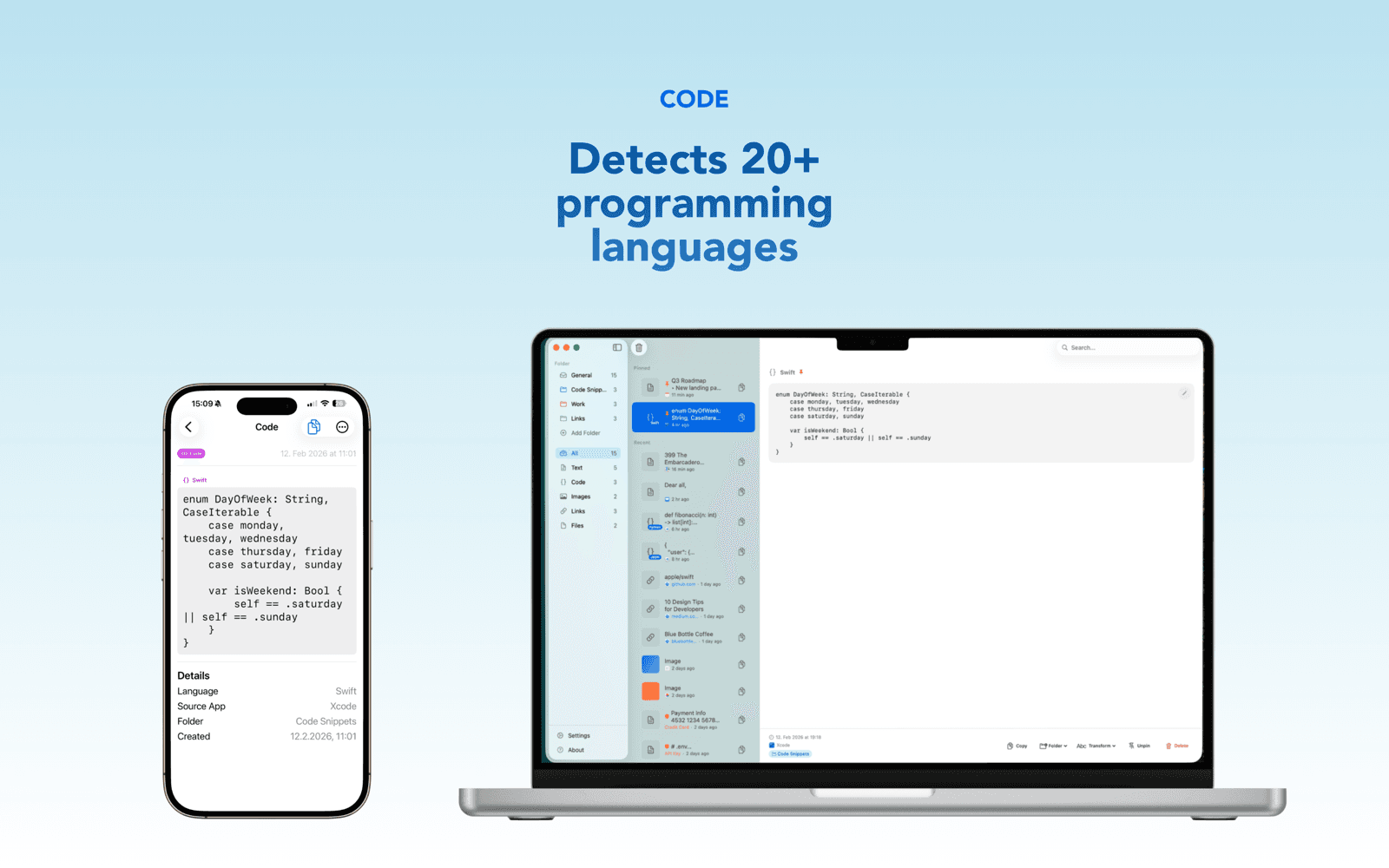
Code Detection
Automatically identifies code in 21+ programming languages: Swift, Python, JavaScript, TypeScript, Go, Rust, Java, Kotlin, Ruby, PHP, C#, C++, C, HTML, CSS, SQL, Shell, JSON, YAML, XML, and Markdown.
Sensitive Data Detection
Flags credit cards, Social Security numbers, JWTs, private keys, and current API token formats from OpenAI, Anthropic, GitHub, GitLab, and npm — before you accidentally paste them.
Link Previews
URLs are detected with rich Open Graph previews showing page titles, descriptions, and favicons.
Color Detection
Automatically detects hex, RGB, and HSL color values in your clipboard and shows a visual swatch preview.
Organization
Find anything in seconds.
Powerful search, smart filtering, and custom folders keep your clipboard history organized and accessible.
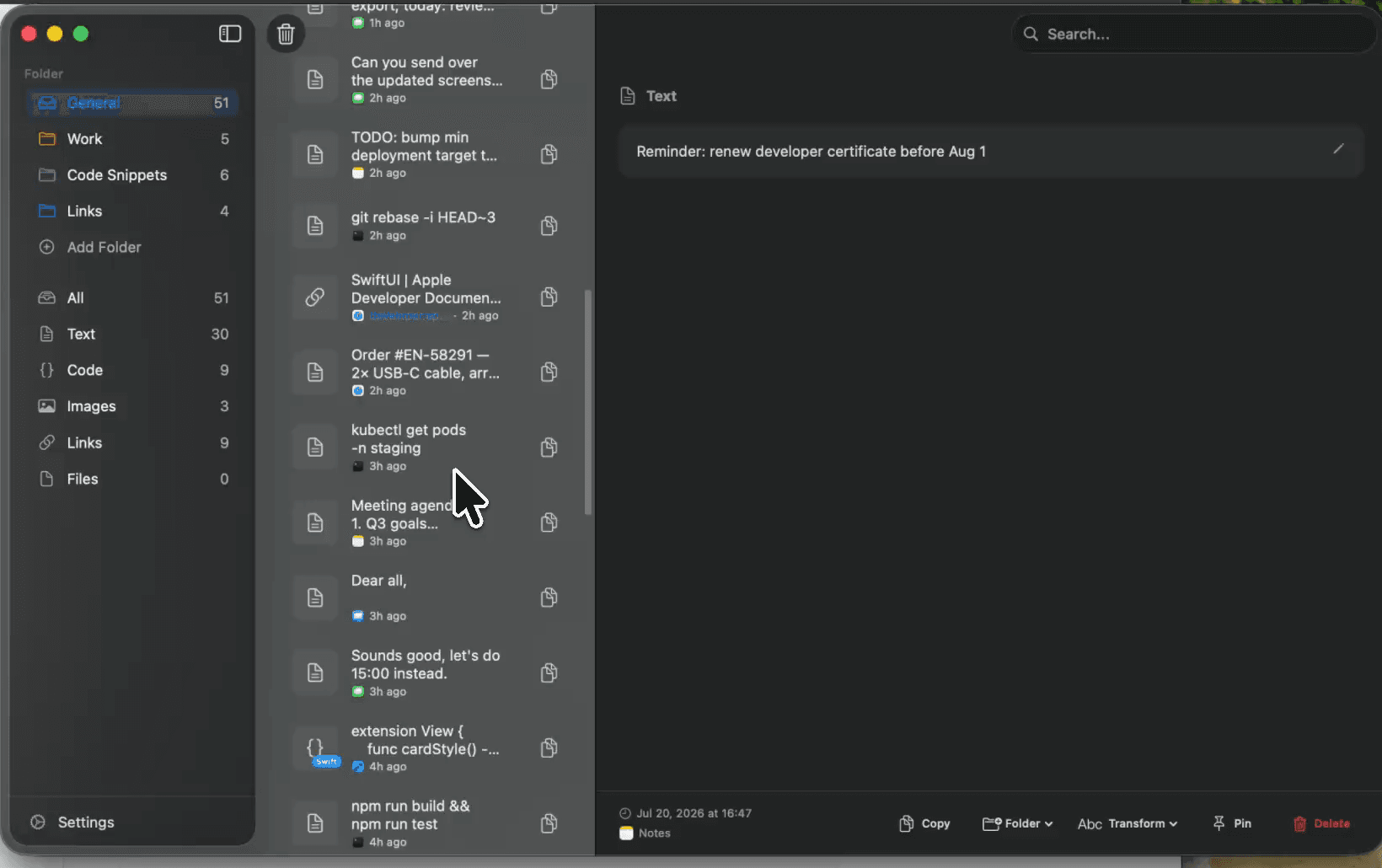
Full-History Search
Full-text search across your entire clipboard history — content, custom names, source apps, code language, even file paths. Results appear as you type, in both the popover and main window.
Filter by Type
Quickly filter your history by content type — text, code, images, links, or files. One click to narrow results.
Pin Items
Pin your most important or frequently used items so they're always at the top, easy to find and paste.
Folders
Create custom folders with colors to organize your clips by project, topic, or however you work. A Pro feature.
Workflow
Copy smarter, paste faster.
Power features that supercharge how you move data between apps.
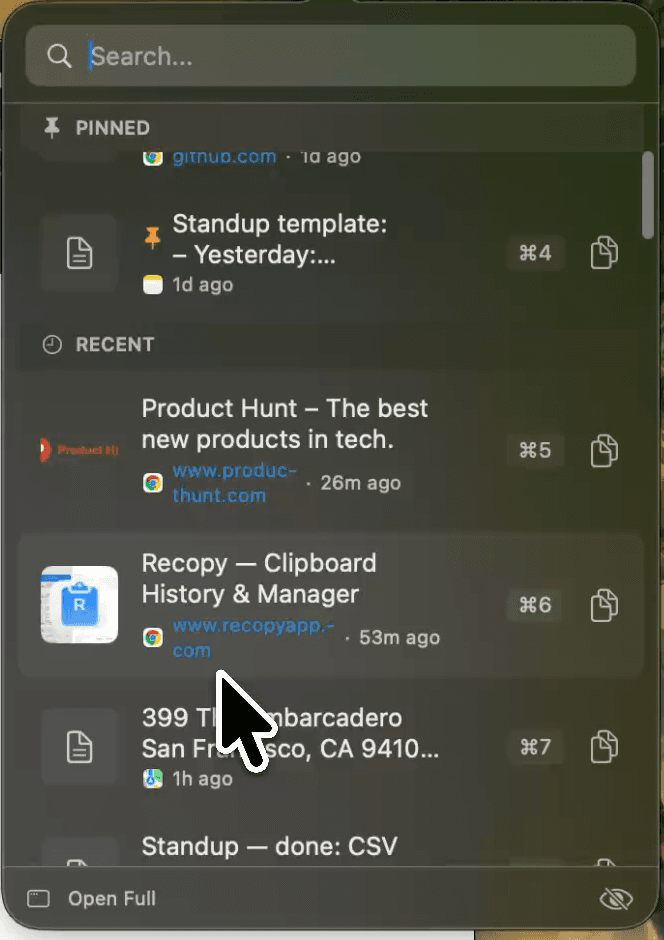
Paste Queue
Queue up multiple items with ⌘⇧Q, then paste them in sequence with ⌘⌃V. Perfect for filling out forms or moving data between apps.
Quick Paste Shortcuts
Paste your 9 most recent items with ⌘1 through ⌘9. No need to open Recopy — just use the shortcut directly.
Text Transformations
Transform text directly from the context menu: UPPERCASE, lowercase, Title Case, trim whitespace, and more.
PDF & Quick Look
Preview PDFs with page navigation. Use Quick Look and Show in Finder directly from the context menu.
Drag & Drop Out
Drag any item from your history straight into other apps — files land as files, screenshots as images, text as text.
Keyboard-First
Open the popover with your search already focused, hit Return to paste into the app you came from, and Escape once to clear search or twice to close. Hands never leave the keyboard.
Developer Tools
A clipboard that speaks code.
From syntax highlighting to one-click transforms and an MCP server for your AI tools, Recopy is built for people who copy code all day.
Developer Transforms
Format or minify JSON, encode/decode Base64 and URLs, escape for shell, or wrap text in a Markdown code block — right from any item's menu, including the popover.
Syntax Highlighting
Code snippets render with highlighted keywords, strings, numbers, and comments in the detail view — across 11 languages.
MCP Server for AI Tools
recopy-mcp exposes your clipboard history to AI assistants like Claude via the Model Context Protocol. Read-only by design — and sensitive items are never shared.
Code File Previews
View copied source files directly in the detail view — 20+ file types with monospace rendering, plus pretty-printing for JSON files.
Privacy & Security
Your clipboard, your data.
Built with privacy at the core. Recopy keeps your data local and gives you full control.
App Exclusions
1Password, LastPass, Dashlane, Bitwarden, KeePassXC, and Keychain Access are automatically excluded — including their browser extensions. Add your own exclusions too.
Private Mode
Pause clipboard recording with one click. Nothing is saved while private mode is on. Resume anytime.
Local Storage
All data is stored locally in SQLite on your device. iCloud sync is opt-in and uses your own iCloud account — no third-party servers.
Hardened Runtime
Sandboxed on macOS with hardened runtime. No analytics, no tracking, no data sold. Ever.
Sensitive Data Controls
Choose to never save sensitive items at all, or auto-delete them after 1, 5, 15, or 60 minutes — expiry propagates to your synced devices too. Link-preview fetching can be switched off entirely.
Concealed Re-Copies
When you re-copy a sensitive item, Recopy marks it as concealed on the pasteboard so other clipboard tools know to skip it.
iCloud Sync
Copy here, paste there.
Seamless sync across Mac, iPhone, and iPad through your own iCloud account.
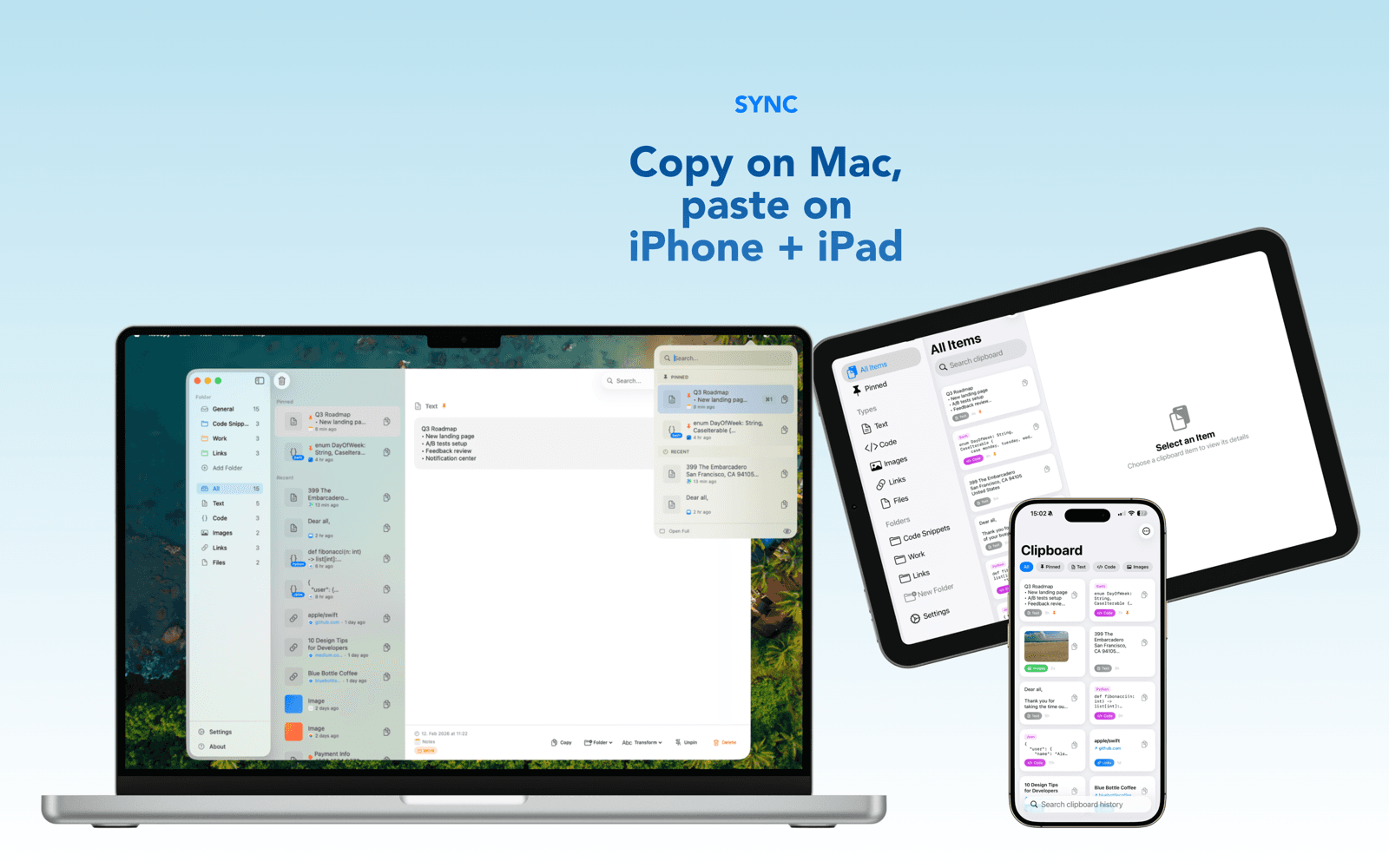
Cross-Device Sync
Copy on your Mac, paste on your iPhone. Text, code, links, files — and now images — travel with you across all Apple devices.
Pinned Items Sync
Your pinned items, folders, and organization sync across devices so your workflow stays consistent everywhere.
Your iCloud Account
Sync uses your own iCloud storage — no third-party servers involved. Your data stays in your Apple ecosystem.
Opt-In Only
iCloud sync is a Pro feature and completely opt-in. Use Recopy fully offline if you prefer — it works great either way.
Platform Features
Native on every Apple device.
Built with SwiftUI for a native experience on macOS, iOS, and iPadOS.
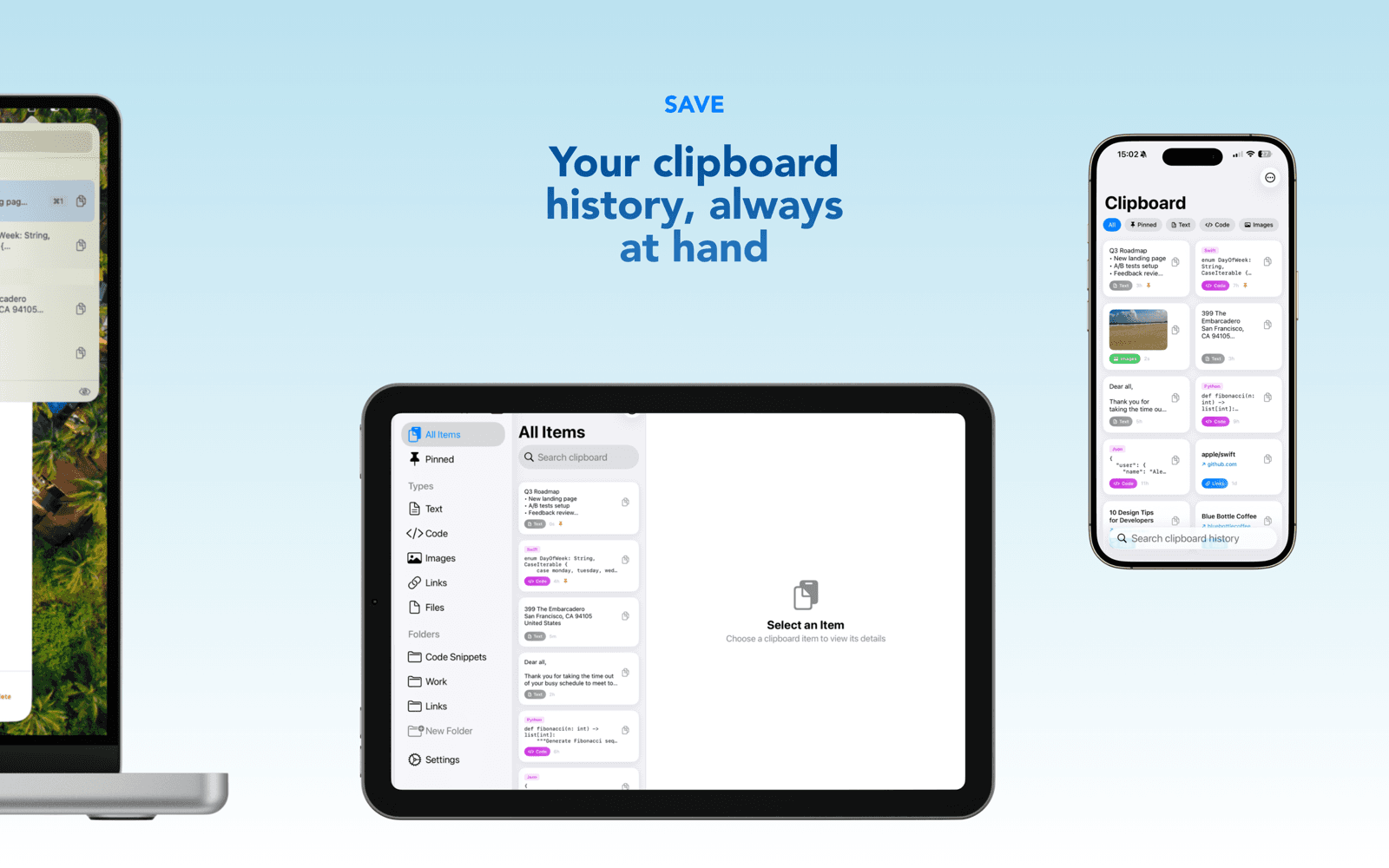
Menu Bar App (macOS)
Lives in your menu bar — always one click away, no Dock icon. Open with a keyboard shortcut for instant access.
Full Window Mode (macOS)
Switch to a 3-column split view for power users: sidebar, list, and detail pane. Great for managing large collections.
Keyboard Extension (iOS)
Access your clipboard history from any text field without switching apps. Just switch to the Recopy keyboard and paste.
Share Extension (iOS)
Save content from any app using the Share sheet. Web pages, images, text — anything you can share, Recopy can save.
Ready to try it?
Download Recopy for free and experience a better clipboard.